
Agent Build Log — Episode 036
Today, I started preparing to bring the open-source Pi GUI into my own Desktop App.
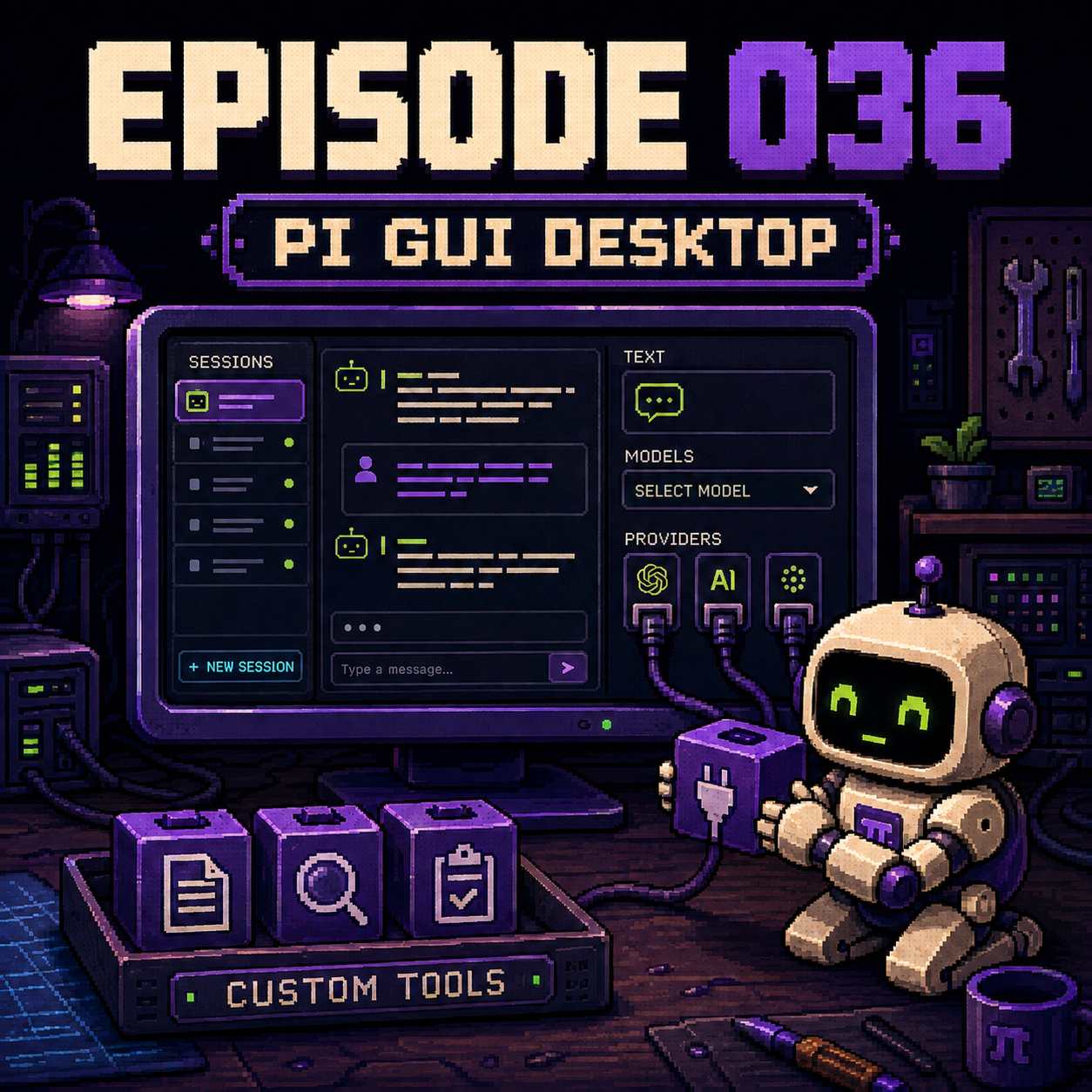
Back in Episode 029, I explored Pi Agent’s extension ecosystem, including Pi GUI. That was when I started considering which features I could reuse from existing projects.
Now that I’m preparing the App to ship, that decision is becoming more concrete.
Building the Desktop App myself has meant handling a lot of interface details alongside the Agent’s capabilities.
Things like line breaks, model selection, and connections to different LLM providers.
They all sound basic, but each one affects the experience of using the App.
If line breaks don’t work smoothly, even writing out a requirement becomes frustrating. Users need to be able to select a different model directly in the interface. Switching to another LLM provider also requires somewhere to configure and connect it.
Implementing all of this myself means continuing to spend time maintaining it, too.
So I plan to use Pi GUI’s open-source implementation to get these basic desktop features ready sooner.
Pi GUI is a desktop interface built on Pi Agent. Since my Agent already uses Pi, I can build on that layer and add my own features.
I want to spend more time on the “Signature Abilities” I’ve been building, such as Acceptance, Bug Blame, and Spec Diff.
These capabilities address tasks I need to complete at work. They also matter to whether PMs and QA can use this Agent to review specifications and finish acceptance testing.
With an open-source desktop implementation available, I hope to leave more development time for those capabilities.
Next, I’ll connect Pi GUI to my current Agent, check how line breaks, model selection, and provider connections work, then gradually bring my Signature Abilities into the desktop interface.